Article
Antumi: One Desktop App to Run Claude Code, Codex, and Cursor as a Team
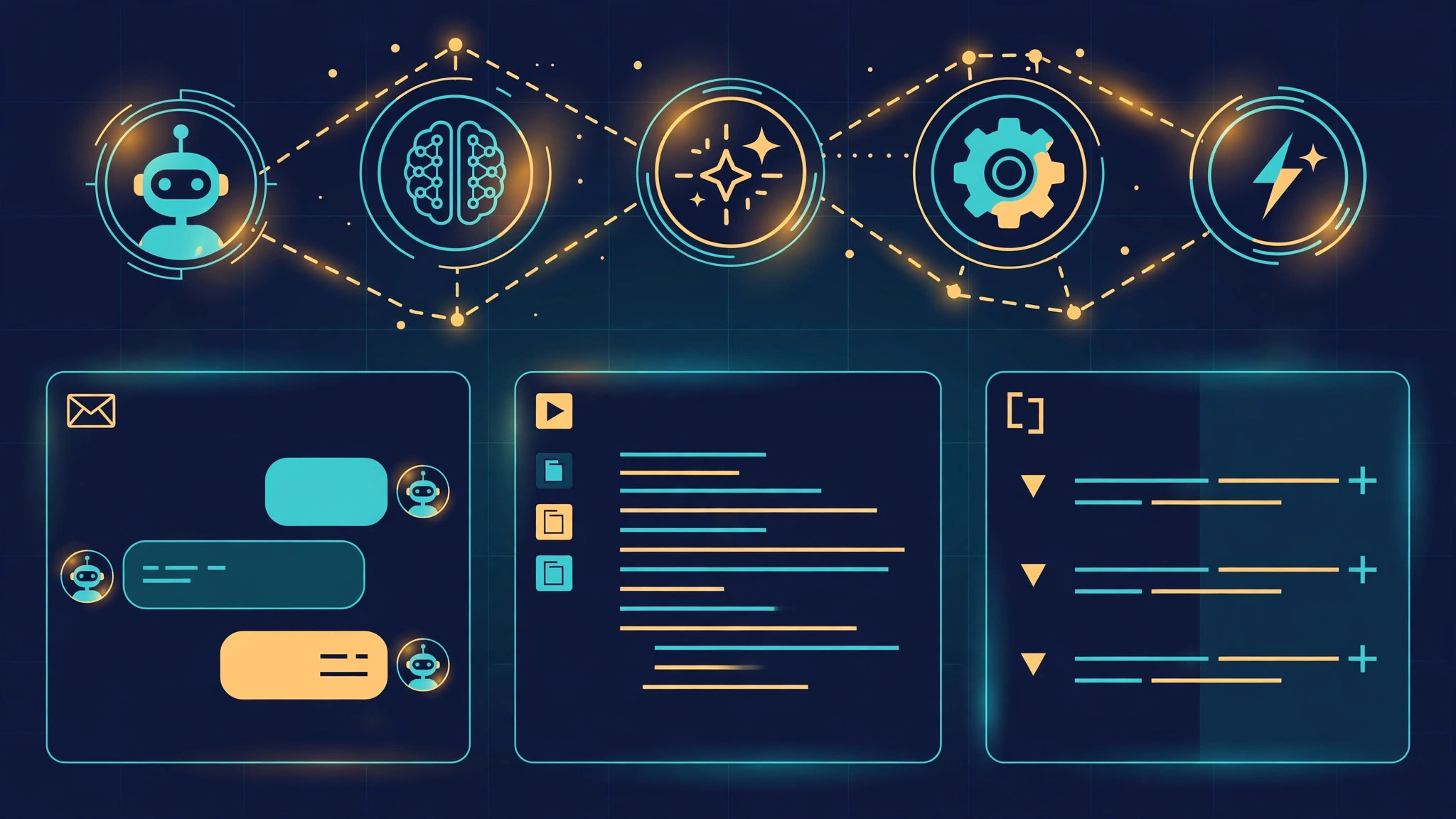
If you already run Claude Code or Codex in your terminal, you know the pattern: one agent, one task, and you sitting in the middle as the switchboard. Antumi is an open-source desktop app that changes the shape of that workflow. Instead of replacing the agents you already use, it drives them — Claude Code, Codex, Cursor, and seven others — from a single workbench, letting them investigate bugs on their own, answer teammates' questions in a group chat, and hand work to each other while you approve the important steps.
The project comes out of the Chinese developer community, where it was introduced on the LINUX DO forum as a way to stop babysitting individual agent sessions. The idea is simple: your coding agents already know how to read code and make changes, so what is missing is the layer above them — the inbox, the router, and the team structure.
Antumi is a local Electron desktop app for macOS, Windows, and Linux, released under the Apache 2.0 license. It ships no model of its own. When you open it for the first time, it checks which agent CLIs are already installed and logged in on your machine, and it works with those. The project's GitHub page lists ten supported agents: Claude Code, Codex, Cursor, OpenCode, Pi, DeepSeek Harness, Antigravity, ZCode, Kimi Code, and Gemini CLI.
That design choice matters. Most "multi-agent" products want you to bring API keys and route everything through their own backend. Antumi keeps your existing subscriptions and logins in the CLIs you already run and adds orchestration on top. Terminal conversations can be imported, and tasks and sessions are stored locally.
The project is young: the repository was created in late September 2026 and, at the time of writing, has around 150 stars and more than 50 releases. That pace suggests active development — and rough edges.
Connect a source — GitHub, Jira, Linear, or ZenTao — and new issues flow into an inbox inside Antumi. When one arrives, the app opens an investigation session on its own: the agent reads the issue text, any attached screenshots, and the relevant code, then works out a cause and proposes a fix. By default it stops there. If you grant permission, it goes on to apply the change.
You can also pick a single issue and investigate it manually, or turn it into a task: the agent presents a plan first, and only edits code after you approve it. Every issue's status and investigation history stays visible in the inbox.
The second capability drew the most discussion in the forum thread: connect an agent to Feishu, DingTalk, or Slack, and it becomes your stand-in in the group chat. A colleague mentions it with a question — "where is this feature implemented?" or "what is causing this error?" — and it reads the code and answers in a reply under that message. It can handle screenshots too.
The guardrails here are deliberate. The bot is read-only: it cannot modify code. It only sees the projects you explicitly select, and secret files are not exposed to it. Every question, the files it read, and the answer it gave are logged, so you can audit what happened while you were away. Access and daily limits are configurable.
The third capability is the team structure. Supported agents can be combined in three patterns:
@ in the input box and hand a piece of work to another agent on your machine, or to a saved persona such as a code reviewer or a test specialist. The sub-session works independently and its result returns to the main session. Read-only analysis and development in separate worktrees can run at the same time.Each task gets its own git worktree, so parallel agents never collide. You can also move a conversation from one agent to another mid-task. Anything waiting on you — approvals, answers, acceptance — collects in an overview panel, and the app sends a system notification when work finishes or needs you.
Beyond the three headline jobs, the workbench carries smaller features that reveal what its author actually uses it for. When a subscription quota runs out, Antumi can switch to another configured account and continue in the same session, or wait for the quota to recover and resume automatically. There is an Android companion app for watching sessions, confirming answers, and starting tasks from your phone — the agents still run on your computer, and there is no iOS app yet.
Scheduled runs are supported, as are split-screen sessions, a built-in file editor, terminal and browser panels, usage statistics with quota estimates, and saved "personas" that bundle a role, model, skills, and MCP configuration for reuse. Custom providers such as Volcengine Ark, Zhipu, and Kimi can also be connected — though the README warns that routing a subscription account through a proxy can violate provider terms and get the account banned.
The documented setup is short. You need at least one agent CLI installed and logged in first, then download the installer for your platform from the project's Releases page: macOS (Apple Silicon), Windows x64, or Linux x64. The installer itself does not require Node.
On macOS there is a wrinkle worth knowing before you download: the app is only ad-hoc signed, so after dragging it into Applications you need to strip the quarantine attribute before it will open:
xattr -dr com.apple.quarantine /Applications/Antumi.appOn Windows, the installer is unsigned, so SmartScreen will ask you to confirm. On Linux, Debian and Ubuntu users install the .deb package, other distributions use the AppImage — Ubuntu 22.04 and later need libfuse2 first.
From source, the requirements are Node 22.13 or newer and pnpm 12:
git clone https://github.com/flyhero/antumi.git
cd antumi
pnpm install
pnpm dev
Once inside, the flow is: create a task from the sidebar, pick a project and an agent, describe the change in one sentence, and start. Antumi creates an isolated worktree, the agent proposes a plan, and you approve it before any code changes. When the work is done you get a notification, review the diff, run the project's checks, and merge when satisfied. Issue sources and chat-platform answering are plugins installed from Settings, and scheduled or unattended runs need the computer to stay awake.
Antumi is not the only attempt at this problem. GitHub's Agent HQ, which reached public preview in early 2026, puts Claude, Codex, and Copilot behind one interface inside VS Code and GitHub — but it is tied to GitHub's platform and subscription tiers. Astrolabe, a commercial workspace in the same space, also drives local agents in separate worktrees with handoffs between them. Smaller community projects take the plugin route instead: skills that let Claude Code call Codex or Gemini as a peer reviewer from inside a single session.
Antumi's edge is that it is open source and local, and that it treats the group chat and the bug inbox as first-class features rather than afterthoughts. The risk is the same one any team faces when an agent speaks for them: it needs to be right more often than wrong, and the read-only, logged, limited-access design is the project's answer to that.
If you already live in a single agent's terminal, the closest comparison on this site is Pi's durable runtime, which keeps one agent alive across sessions, while Antumi coordinates several at once. And Antigravity's plan mode is a useful reference for the approval-first pattern Antumi also uses.
Antumi makes the most sense if you already use two or more of its supported agents, you maintain a project with a steady stream of incoming issues, and your team asks code questions in Feishu, DingTalk, or Slack often enough that answering them is a real interruption.
Wait if you only use one agent and mostly work alone — the workbench adds a layer you do not need yet. Wait also if you need stability guarantees: a project with 150 stars and weekly releases is still finding its shape. And check your providers' terms before routing accounts through anything unusual.
The models are converging on similar capabilities; the differentiation is moving up a level, into the tools that decide which agent does what, when a human needs to approve, and how the work is recorded. Antumi is a small, open, early example of that layer — built by a developer who wanted their agents to handle the inbox and the group chat, and decided to build the missing piece themselves.
Sources: the Antumi repository on GitHub (flyhero/antumi) for features, supported agents, installation steps, and license; the LINUX DO discussion at <https://linux.do/t/topic/3188325> for the community framing and use cases.