Article
Nexus: Turn Your Web AI Subscription Into a Local Coding Agent
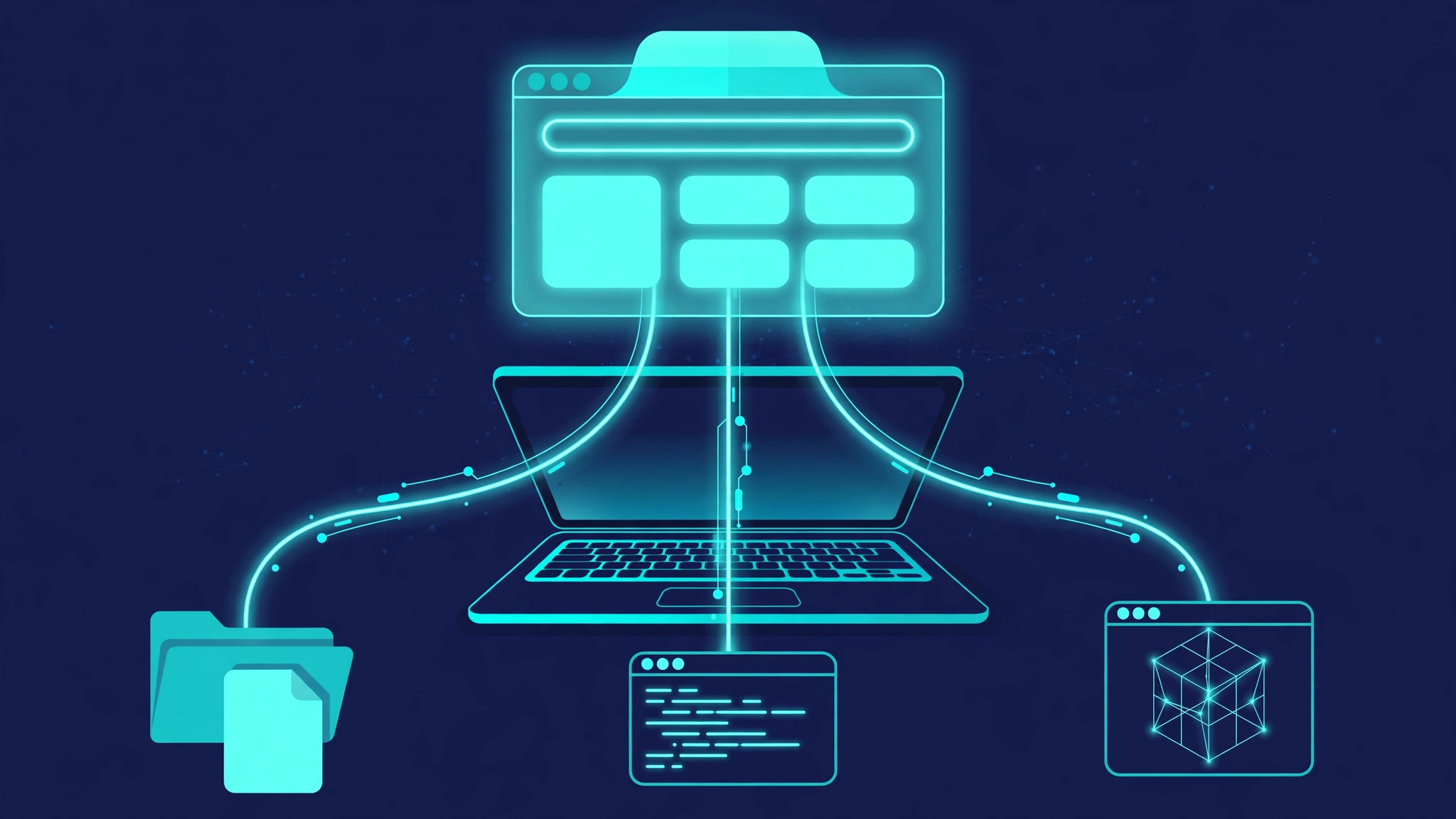
Millions of people pay every month for a chatbot in a browser tab — ChatGPT Plus, DeepSeek's web app, Kimi, Qwen — and then pay again when they want that intelligence to touch files on their computer. The CLI agents solved the second half: Codex and Claude Code live in your terminal and edit your project directly. But the web subscription you already own stayed locked behind the browser, able to write code in a chat box and nothing else.
Nexus, a new open-source project from a Chinese developer that blew up on LINUX DO, attacks exactly that gap. It is a local control plane — a desktop app plus a browser extension — that hands web-based AI the same kind of hands your CLI agents have: read and write local files, run commands, manage Git, drive a browser. No API key required for the web AIs, no second subscription, no reverse proxy in the middle. The thread drew 170 replies and over 2,600 views within a day, and the repository picked up nearly 200 stars in its first three days.
Nexus is two pieces that work as a pair. The first is a desktop application, Nexus on GitHub, built with Tauri 2 and a Fastify server. It runs a local MCP server on your machine — by default at http://127.0.0.1:18080/mcp — and a runner daemon that executes the tools the AI asks for. The second piece is a browser extension, WebAgent, which sits in the web AI's page and shuttles tool calls between the chat tab and the local server.
The important design choice is what Nexus is not: a reverse proxy. It does not sit between you and OpenAI or DeepSeek pretending to be their API, and it does not need your account credentials. It is an MCP gateway — it receives tool calls from an AI client, forwards them to local execution, enforces permissions, and returns the result. The AI still runs in its own cloud, and your files stay on your disk, reached only through tools you authorized.
That distinction matters for two reasons. First, it is why the author argues the account risk is low: you use the web AI the normal way, in its own tab, logged in as yourself. Second, it sets the ceiling on what Nexus can do. Nexus provides execution ability, not intelligence. As the project's own FAQ puts it, whether the result is any good depends on the model, the tools, and the workflow — and it explicitly says it cannot simply be equated with Claude Code or Codex.
Not every web AI connects to Nexus the same way, and the difference is the most important thing to understand before installing anything.
ChatGPT goes through native MCP. ChatGPT's web client supports connecting to MCP servers, so Nexus exposes its tools over Streamable HTTP and ChatGPT calls them directly. Per the author, this path needs a tunnel so the chat client can reach the local server, and the result is the closest thing to a native agent experience. The free tier of ChatGPT reportedly works too, though with the usual usage and model limits, so long multi-step jobs will hit the ceiling faster.
Chinese web AIs go through the browser extension. DeepSeek, Kimi, Qwen, Doubao, Zhipu's tools, and others have no MCP client in their web pages, so WebAgent bridges the gap with DOM injection: it reads the model's replies out of the page, parses tool calls out of them, executes them through Nexus, and pastes the results back into the chat box. The plugin's current version (1.3.3) lists support for DeepSeek, Gemini, Google AI Studio, ChatGPT, Kimi, Qwen, Doubao, Duck.ai, and Zhipu's family. This is the clever part — and the fragile part, since it depends on the layout of pages the author does not control.
That split explains the project's roadmap. At the time of the thread, the author said the Claude and Gemini web versions were still in testing and not yet published; the plugin changelog has since added a Gemini adapter, while Claude remains the outstanding item.
For a three-day-old project, the scope is ambitious. The README describes 332 canonical MCP tools across 24 capability areas: filesystem operations, Git, command execution, persistent background jobs, language-server code intelligence, browser automation, Windows computer use with OCR and UI automation, document handling, and a local memory store. The desktop side adds an action ledger — a write-ahead log recording every critical tool call before it runs, so interrupted work can be recovered and replayed.
The security model, at least on paper, is thoughtful. Projects must be explicitly authorized, with separate read-only/read-write file access and execution modes. MCP client tokens are generated with 256-bit entropy and stored only as hashes. A sensitive-file shield masks .env files, private keys, and cloud credentials from tool results, and path containment blocks traversal and symlink escapes. The plugin adds guardrails: automatic execution and automatic sending of results are separate switches, both off by default, and a circuit breaker pauses tool calls after 20 consecutive rounds.
None of this has been independently audited, and the feature list comes from the project's own README, not an outside review. Treat it as a statement of intent from a very new codebase — 10 commits at the time of writing — not as a mature platform's spec sheet.
The install path depends on how much building you are willing to do. The README points to the v1.3.1 release page for a desktop installer when a verified build is available, and otherwise to building from source with Node.js 24 or newer, pnpm 10 or newer, and a stable Rust toolchain. The plugin is installed the manual way — clone it, open chrome://extensions, enable developer mode, and load it unpacked.
Once both parts are running, the flow is: authorize a project directory in the control center and set its access mode, generate an MCP client token under Settings, then point the AI client at the local endpoint. For the plugin path, you paste the Nexus address, project ID, and working directory into the extension popup. The plugin README is explicit on one point: your web AI account is your own login, and no DeepSeek or Gemini API key is needed.
Strip away the enthusiasm in the thread and four limits stand out.
First, age. The repository was created on November 13, 2026. Three days of public history and a handful of commits is not a track record. Early adopters are effectively beta testers, and the Blender and Unity demo projects the author shows in the thread are the author's own demos, not independent verification.
Second, platform. The computer-use features, OCR, and process isolation are Windows-native. The README's platform badge lists Windows, macOS, and Linux, but the deepest capabilities are Windows-first, and the plugin's own testing notes mention Windows and Linux. Mac users should expect the thinnest experience.
Third, the DOM bridge is a moving target. Native MCP connections are stable by design; scraping tool calls out of a chat page is not. Every adapter in the plugin is one redesign away from breaking, and the project's own changelog shows the pace of that maintenance — three patch releases in quick succession, mostly fixing parsing and adapter issues.
Fourth, the account question is not settled. The author says this is not a reverse proxy and the ban risk is small, and the thread's commenters largely accept that. But automating a web chat interface with injected scripts is a gray area in most providers' terms of service, and no forum thread can guarantee how a provider's abuse systems will react to a browser tab suddenly issuing hundreds of structured tool calls. The safe way to read the author's reassurance is as a design argument, not a warranty. If the account matters to you, start with a free-tier account, keep auto-execution off until you trust the loop, and never let tool results carry credentials back into a web page — the plugin README itself warns against returning secrets.
Nexus makes the most sense for one kind of person: a developer who already pays for a web AI subscription, works mostly in Windows, and wants agent-style local execution without paying for API credits or a CLI agent seat — and is comfortable treating a three-day-old project as an experiment. It makes less sense if you want something boring and reliable today; the established route is still a CLI agent with an API key, or a self-hosted gateway in front of one. For a closer look at that established route, see our earlier piece on running your own AI gateway, and for the phone-side version of the same problem, see Codex Mobile Bridge.
The deeper story is not really Nexus. It is the direction of travel: MCP has become the universal plug, and every month another piece of the stack that used to require an API key learns to work through the subscription people already have. A browser tab is a strange place to run a coding agent from — but the demand is real, and 171 replies in a day say the audience is not hypothetical. Nexus is early, rough, and worth watching because it shows where the pressure is building: users want the AI they already pay for to reach their own machine, and they will keep building bridges until someone builds a proper road.