Article
MCP, the USB-C of AI: How Chinese Developers Actually Put It to Work
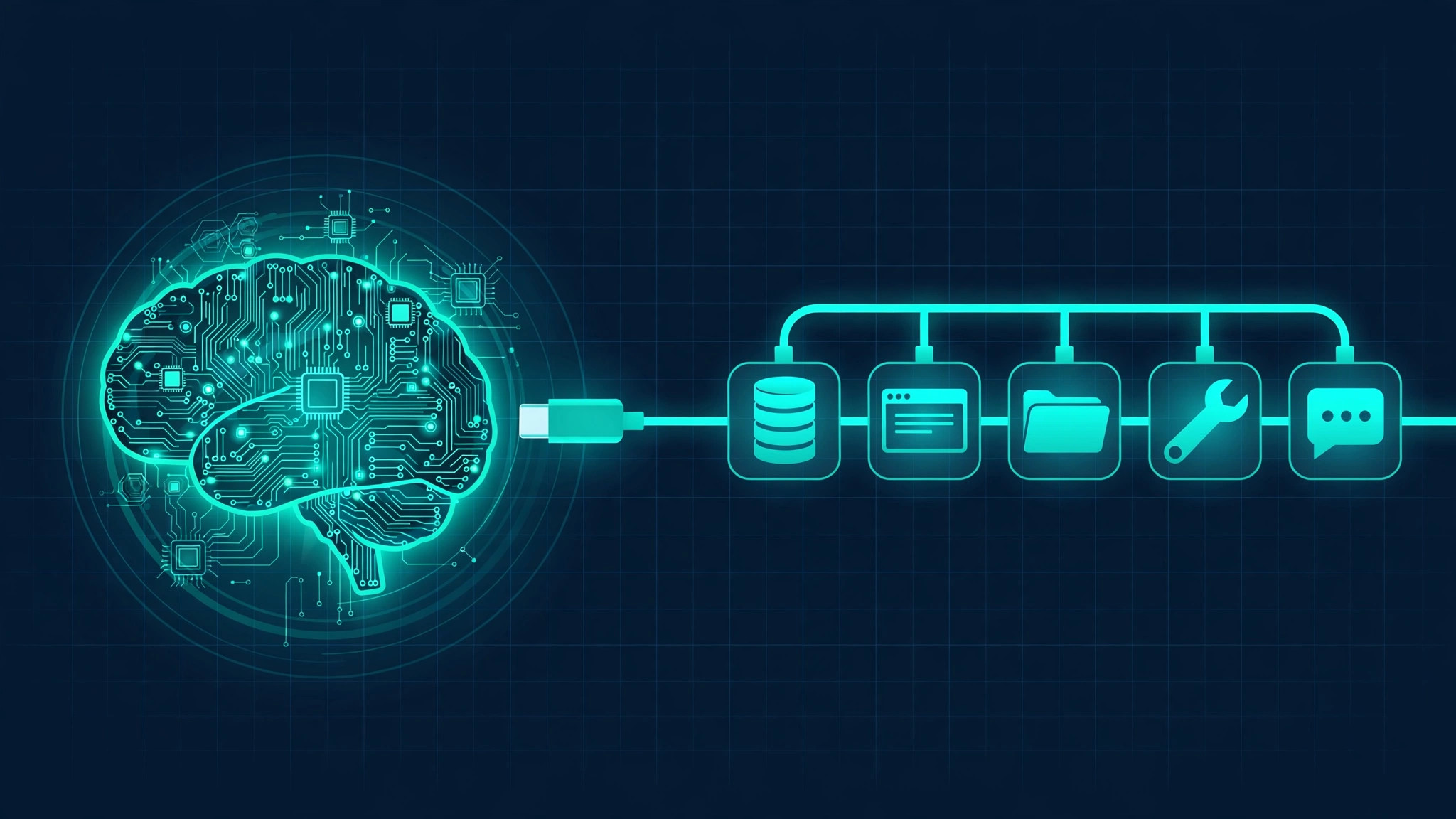
Ask a large language model to "book me a flight" and it will fail gracefully: it can describe flights in eloquent detail, but it cannot touch a booking system. A model is a brain without hands. The Model Context Protocol, or MCP, is the open standard that gives AI applications hands — a single, standard socket for connecting a model to files, databases, browsers, and APIs. Its official site describes the idea in one line: think of MCP like a USB-C port for AI applications.
That analogy is doing real work. Just as USB-C replaced a drawer full of proprietary cables with one connector, MCP replaces the old M×N problem — every AI app needing a custom integration for every tool — with an M+N one: each app implements one MCP client, each tool implements one MCP server, and everything interoperates. It is why the protocol, launched by Anthropic as an open standard, now has broad support across assistants like Claude and ChatGPT, editors like VS Code and Cursor, and an ecosystem of purpose-built clients.
MCP's architecture has three roles, and keeping them straight answers most confusion:
This split is the whole point. The model never needs to know how GitHub's API works; it only needs to know the GitHub MCP server offers a create_issue tool with certain parameters. Tool authors write one server; every MCP-compatible host can use it.
For its first year and a half, MCP's remote transport was stateful: a client opened with an initialize/initialized handshake, received a session ID, and pinned itself to one server instance for the life of the session. That works fine on your laptop. It is a headache at scale — sticky sessions, shared session stores, load balancers that must inspect traffic to route correctly.
The current specification, 2026-07-28 (published July 28, 2026), is the largest revision since launch, and its headline is a stateless protocol core. The handshake and the Mcp-Session-Id header are retired; every request now travels self-contained, carrying its protocol version, client identity, and capabilities in its own metadata. Any request can land on any server instance behind a plain round-robin load balancer.
The details, all from the official release notes:
| Change | What it means |
|---|---|
server/discover RPC | A client can ask for a server's capabilities up front — but doesn't have to |
Mcp-Method / Mcp-Name HTTP headers | Gateways and rate limiters can route and authorize on headers instead of parsing JSON bodies |
Cache hints (ttlMs, cacheScope) | Clients can cache tool catalogs instead of re-fetching them every call |
| Multi Round-Trip Requests (MRTR) | Mid-call user confirmations work without a permanently open stream |
| Authorization hardening | Issuer validation per RFC 9207, and a shift away from Dynamic Client Registration toward client metadata documents |
| Tasks as an extension | Long-running work moves to a poll-based Tasks extension rather than the core |
Two ecosystem facts from the same release post are worth noting: the Tier 1 SDKs (TypeScript, Python, Go, C#) shipped support the same day, with the Rust SDK in beta — and the maintainers report close to half a billion downloads a month across the Tier 1 SDKs. The spec also now carries a formal deprecation policy with a twelve-month minimum window, which is the kind of boring governance that tells you a protocol is growing up.
The forum discussions on LINUX DO — where Chinese developers trade configurations the way cooks trade recipes — reveal a practical, bottom-up adoption pattern. The interesting thing is not that developers know about MCP; it is what they plug into the socket.
Human-in-the-loop guardrails. One pattern that recurs in shared prompt templates is a mandatory "feedback" step: before the agent takes an action, it must call a human-in-the-loop MCP server (the community favors mcp-feedback-enhanced, an open-source fork maintained by Minidoracat) that pops up a confirmation UI, collects the user's verdict, and hands it back to the model. Forum-shared system prompts describe the rule bluntly: the agent must request feedback at every milestone and may not treat silence as permission to proceed. It is a cultural tell — in a community that worries constantly about agents running up API bills or wrecking a repo, the MCP server of choice is the one that adds a brake pedal. The project is published on PyPI with both a Qt GUI and a web UI for remote setups.
Documentation as a tool. Another recurring setup wires documentation servers directly into the coding agent: community configs for tools like Augment commonly add context7 (an up-to-date documentation lookup server) and sequential-thinking (a structured-reasoning server) to the agent's MCP server list, as discussed on LINUX DO. The instinct is pragmatic — stale training data is the enemy, so give the model a tool that fetches the current docs instead of hoping it remembers them.
Browser automation. Playwright's official MCP server lets an agent drive a real browser, and forum threads show developers wiring it into their editors to test web apps — including the classic cross-platform friction of getting it running under WSL2, where the server expects a Chromium it cannot find. The troubleshooting is unglamorous; the underlying pattern is the point: the browser is just another MCP server now.
Cheap infrastructure. On the self-hosting side, tutorials describe deploying chat frontends with MCP support onto free-tier servers (one detailed guide walks through NextChat with MCP enabled on serv00's free tier, as discussed on LINUX DO). And in a nice illustration of the protocol's generality, one developer describes assembling a citation-formatting pipeline for academic papers from a web-fetch MCP server plus a PubMed MCP server — as discussed here — chaining tools the protocol made composable rather than writing a bespoke integration.
For all the spec machinery, using MCP as a developer is mostly configuration. A typical client config is a JSON block naming the servers the host should launch:
{
  "mcpServers": {
    "context7": {
      "command": "npx",
      "args": ["-y", "@upstash/context7-mcp"]
    },
    "sequential-thinking": {
      "command": "npx",
      "args": ["-y", "@modelcontextprotocol/server-sequential-thinking"]
    },
    "feedback": {
      "command": "uvx",
      "args": ["mcp-feedback-enhanced@latest"]
    }
  }
}
The host starts each as a subprocess (or connects over HTTP for remote servers), lists their tools, and offers them to the model. That is the whole integration surface — which is exactly why the ecosystem grows so fast: publishing a tool to every AI app is now a matter of publishing one server.
Three cautions, all grounded in the primary sources. First, the 2026-07-28 revision contains breaking changes — Roots, Sampling, and Logging are deprecated, and the legacy HTTP+SSE transport has a year-long off-ramp. If you maintain a server, read the migration notes; the twelve-month deprecation window is generous but real.
Second, security is explicitly the integrator's job. The official documentation has a dedicated security section, and the threat model is worth stating plainly: an MCP server can read your files and execute commands, so installing an unreviewed community server is roughly equivalent to running unreviewed code. The community's enthusiasm for shared configs should be tempered with the same caution you'd apply to any dependency.
Third, the protocol is still moving. The Tasks extension, MCP Apps, and enterprise authorization features are new enough that building load-bearing infrastructure on them today means tracking the spec as it evolves. The stateless core makes servers easier to operate; it does not make the ecosystem finished.
Step back and MCP looks like infrastructure history repeating itself. Every platform wave — the web, mobile, cloud — goes through a phase where integration is bespoke and painful, then a standard connector appears and the ecosystem explodes around it. USB did it for peripherals; REST did it for web services. MCP is making the same bid for AI tooling: one socket, and the tools come to the model instead of the model being rebuilt for each tool.
If you work with AI agents, the practical takeaway is narrower: you probably do not need to write MCP servers yet, but you should understand the client side. The configurations Chinese developers are trading — documentation servers, thinking servers, feedback brakes — are a preview of what "using an AI tool well" will mean: not better prompts, but a better set of things plugged into the socket. And for a sense of where the agent layer above the socket is heading, our pieces on AGENTS.md and the self-hosted AI gateway pattern cover the other half of the modern agent stack.